GanFarm Crops Module
GanFarm Crops Module
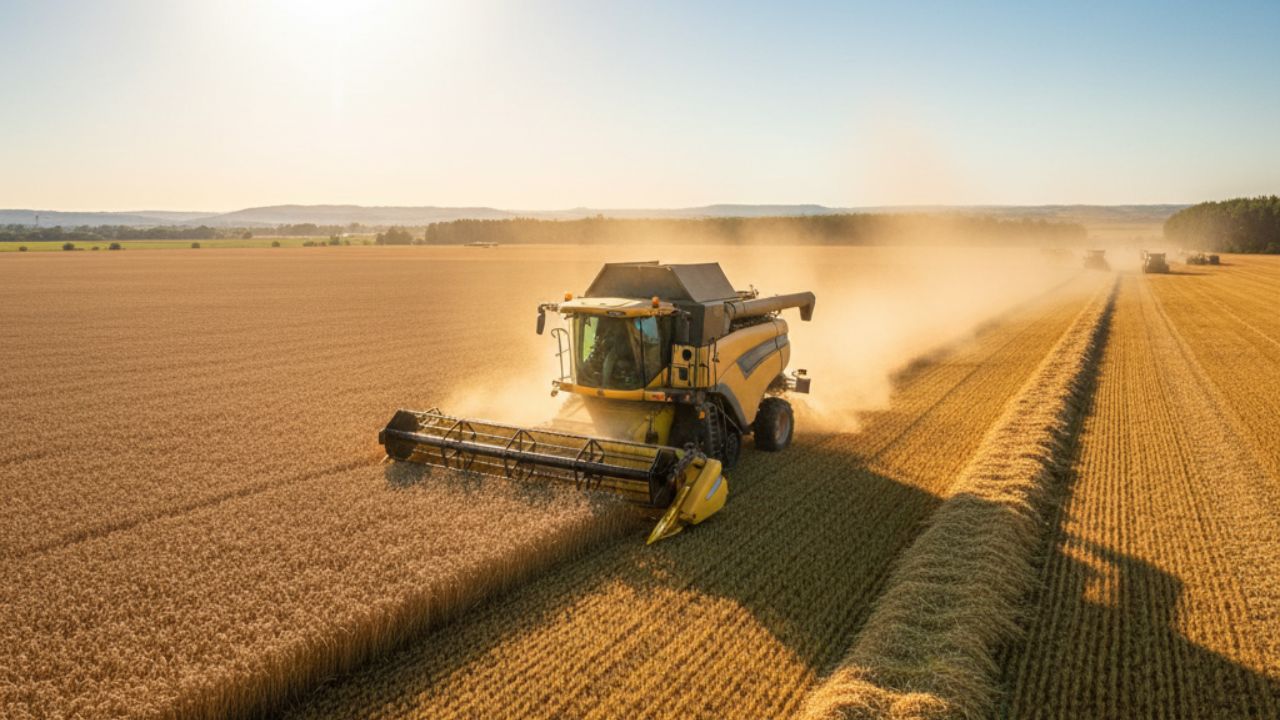
Complete Agricultural Management: Crops, Plantings, Costs, and Yields in One Place
The Crops Module of GanFarm is designed for agricultural producers, technical advisors, and field managers who need organization, traceability, and economic control of each planted crop.
From planting planning to harvest (and beyond), GanFarm allows you to record what was planted, where, when, how much it cost, and how much it produced.
The system adapts to both extensive crops (soybeans, corn, wheat, barley), pastures or forages (alfalfa, ryegrass, fescue), horticultural crops, and also to intensive or high-value crops (fruit trees, specialized gardens, greenhouse productions, etc.).
🌱 Overview of My Crops
The main view of My Crops displays a centralized list of all crops registered on the establishment.
Each row represents a crop configured by the producer (for example, “Alfalfa”), with its agronomic category, productive status, and quick access to management actions.
The producer can toggle between two main tabs:
- All Types: complete catalog of crops available in the system. It allows you to see which crops are defined in the establishment even if they are not currently in the field.
- Currently Planted: operational view of the plantings that are active today in the field, with information on location, planting date, and status.
This view quickly answers key questions such as: What do I have planted now? Where do I have it planted? When did I plant it?
From this panel, the user can:
- Create a new type of crop (for example, add “Alfalfa,” “Late Corn,” “INIA XYZ Potato”).
- Register a new planting (for example, “Alfalfa planted in Lot 12 North on 06/21/2025”).
- Import crops from CSV to speed up the initial load or migrate historical information.
🧬 Catalog of Crops and Varieties
Each establishment can build its own internal agronomic catalog with all the crops it manages.
When creating a new type of crop, GanFarm allows you to register key technical information:
- Crop Type (for example, “Alfalfa”).
- Variety / Cultivar (for example, a specific genetic).
- Botanical Name and Internal ID (for productive use or internal traceability).
- Crop Family and Category (forage, grain, cover, vegetable, fruit, etc.).
- Growing Season (winter, summer, perennial, annual rotation, etc.).
- Technical Description and notes from the producer.
This makes GanFarm a structured agronomic database for the establishment. It is no longer just “I have alfalfa,” but exactly what type of alfalfa I plant, under what conditions, and with what productive goal.
🌾 Planting Details and Technical Management
For each crop defined in the system, specific agronomic parameters for planting and management can be saved:
- Days to Emerge: estimated time from planting to emergence.
- Spacing between Plants and Spacing between Rows: target density.
- Planting Depth: technical control of planting.
- Expected Average Height: reference for vegetative development.
- Starting Method: direct seeding, transplanting, seedbed, prior germination, etc.
- Estimated Germination Rate (%): to project actual utilization of the purchased seed.
- Seeds per Hole/Cell: useful in horticultural crops, young fruit trees, or tray crops.
- Light Profile / Soil Conditions: tolerance, requirements, best location for that crop.
- Weeks before Freezing: agronomic reference for areas at risk of frost, to plan planting deadlines.
Additionally, the system allows for direct documentation of:
- Planting Instructions: practical recommendations for field staff.
- Pruning Details: very useful for fruit trees or perennial crops.
- Mark if it is a perennial plant (lives more than two productive cycles).
- Mark if planting tasks should be created automatically, so the system generates operational reminders based on those key dates.
This technical information is saved once in the master crop and then reused in each actual planting done in the field, ensuring agronomic consistency and standardization of management.
📅 Harvest Planning and Expected Yield
In the same technical form of the crop, harvest parameters and target yield are recorded:
- Days to Flowering
- Days to Maturity
- Harvest Window (days): recommended operational margin for harvesting the crop at its best moment.
- Estimated Loss Rate (%): expected loss due to management, weather, pests, or operation.
- Harvest Unit: bales, kg, tons, boxes, liters, etc.
- Market Price: estimated value per harvest unit for that crop.
- Expected Yield per 30.48m² (for every 100 square feet approx.): standard metric for estimating productivity in comparable units.
- Expected Yield per Hectare: direct economic projection.
This information turns the crop into a measurable economic unit: GanFarm not only stores agricultural technical data but also translates each management decision into expected financial impact.
🌍 Current Plantings in the Field
In the Currently Planted tab, all active plantings are listed with their key operational data:
- Crop (for example, Alfalfa).
- Location / Field / Lot: where it is planted.
- Planting Date: historical record of when that crop was established in that specific lot.
- Expected Harvest or estimated lifting date.
- Status (for example, Active).
This view functions as an operational dashboard for the harvest: what was planted, on what date, and on what area, ready for day-to-day tracking.
From here, you can access the details of each planting and view its complete record.
📋 Planting Record
When opening a specific planting, GanFarm displays a detailed record of that planting in that lot, including:
- Crop (for example, “Alfalfa”).
- Variety / Strain used.
- Exact Field or Location.
- Planted Quantity (for example, number of units or area).
- Planting Date.
- Seed Start Date (if applicable, seedbed/transplant).
- Estimated Harvest Date.
This record is the actual productive record from the field. It is the history of that particular establishment, easily exportable and ready for audit or technical follow-up.
💰 Agricultural Accounting by Crop
Within each crop, GanFarm includes a specific Accounting tab, where the economic impact associated with that particular crop is recorded.
At the top, key indicators are displayed:
- Total Income: sales, subsidies, agricultural program payments, income from production, etc.
- Total Expenses: inputs, seeds, fertilizers, planting labor, fuel, irrigation, maintenance, pest control, etc.
- Net Profit: difference between income and expenses.
- Total Transactions: number of economic movements recorded.
Below appears the complete transactional detail: a table with each economic movement associated with the crop, showing:
- Date of the transaction.
- Type (Income/Expense).
- Accounting Category (for example, “Conservation expenses,” “Agricultural program payments”).
- Amount in positive/negative format.
- Internal Description from the producer.
- Reference (for internal traceability, audit, or accounting cross-check).
This record allows the producer to know, crop by crop, whether they are truly making money or operating at a loss in that specific planting.
🧾 Quick Transaction Recording
From the same Accounting section, the user can add new transactions linked to the crop with an agile and complete form.
Each transaction includes fields such as:
- Transaction Type: Income or Expense.
- Date.
- Amount and Payment Method (cash, credit, etc.).
- Account: accounting account or internal bank account where it is recorded.
- Category (for example, conservation expense, agricultural program payment, fertilization, herbicide, etc.).
- Client / Payer / Supplier: with direct selection of contacts already loaded in the system.
- Internal Reference or receipt number.
- Description for more context.
- Keywords for future searches.
- Attachment: receipts, invoices, contracts, etc. can be uploaded in formats such as JPEG, PNG, PDF, DOC, DOCX, ZIP (up to 2 MB per file).
- Reporting Year: for fiscal classification or campaign allocation.
This makes GanFarm a traceable agricultural accounting record by crop: every peso invested is associated with the lot and the corresponding crop, with its digital receipt stored in the system.
📂 Technical Documentation and Backup
Each crop and each planting can link its own attachments and receipts. This allows for maintaining certificates, soil analyses, input budgets, permits, photos of the crop's condition, or technical reports from the advisor.
All documentation remains centralized and available from any device, without relying on loose folders, WhatsApp captures, or papers stored in the truck.
📊 Strategic Value of the Crops Module
The Crops Module of GanFarm combines agronomy, operational logistics, and accounting in a single digital tool.
It allows:
- To plan and document each crop with clear technical parameters.
- To register each actual planting with date, location, and status.
- To track costs and income associated with each crop.
- To calculate expected yield and potential economic value before harvesting.
- To maintain documentary traceability (receipts, analyses, technical notes, photos).
The result is a complete picture of the agricultural business: what you planted, how you managed it, how much it cost you, and how much it yielded.
📌 Upcoming Sections of the Crops Module
In addition to the above, the Crops Module in GanFarm includes (or may include) other key tools within the main “Crops” menu:
- Crops Locations: management of the lots/parcels where each crop is planted.
- Plantings: complete history of all plantings made, both active and historical.
- Crop Plan: planning of key dates, planting windows, pruning, fertilizations, and harvest.
- Yield Comparison: comparative analysis between lots, dates, or varieties to know which performed better.
- Location Map: visualization on a map of the planted areas and their status, useful for field control.
- Fruit Detection (AI): module aimed at intensive crops that allows for recording visual counts and estimating production based on images.
Each of these sections delves into the agronomic and productive control of the establishment, transforming the Crops Module into a comprehensive solution for agriculture, pastures, and forages, both in mixed livestock establishments and in purely agricultural fields.
Additional Information
Related Content

Privacy Policy
This Privacy Policy explains how GanFarm collects, uses, stores, and protects users’ personal inform...
Terms of Service
This document explains the Terms of Service of the GanFarm Platform, which connects users with agric...
Terms of Use
This section outlines the terms and conditions governing the use of the GanFarm website and platform...